


Buying an office chair used to be simple.
Now?
You’re choosing between mesh vs leather.
Task vs executive.
Lumbar systems.
Seat depth sliders.
Tilt tension controls.
And a price range that swings from $150 to $1,800.
If you sit for more than a few hours a day, this decision isn’t cosmetic.
It’s structural.
This office chair buying guide walks you through exactly what matters in 2026 without marketing fluff, so you buy once and buy right.
Why Your Office Chair Matters More Than Ever
Remote work isn’t temporary anymore.
For many people in the U.S., UK, Canada, and Ireland, sitting 6–10 hours daily is normal.
The National Institute for Occupational Safety and Health (NIOSH) notes that poorly designed seating contributes to musculoskeletal strain over time.
Your chair influences:
- Lumbar spine alignment
- Shoulder tension
- Hip positioning
- Fatigue levels
It won’t fix posture for you.
But it can make good posture sustainable.
Step 1: Understand What Makes a Chair Truly Ergonomic
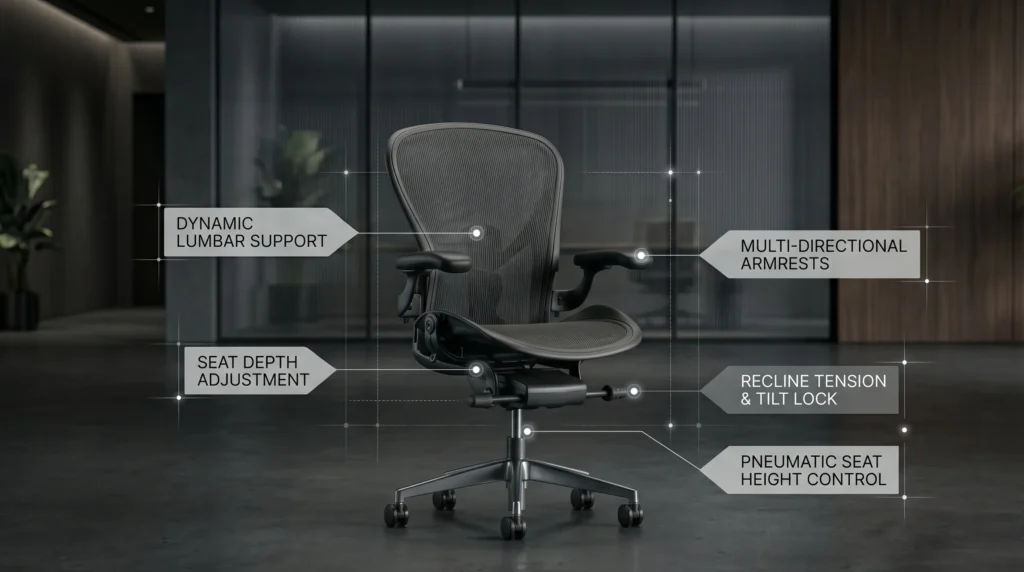
Before material, brand, or price—focus on structure.
OSHA outlines key workstation seating features that promote neutral posture.
A truly ergonomic chair should include:
✔ Adjustable seat height
✔ Adjustable lumbar support
✔ Seat depth adjustment
✔ Adjustable armrests (ideally 4D)
✔ Recline with tension control
✔ Stable base and frame
If a chair lacks multiple items on that list, it’s not fully ergonomic — no matter the label.
Step 2: Choose the Right Material
Material affects comfort not core ergonomics.
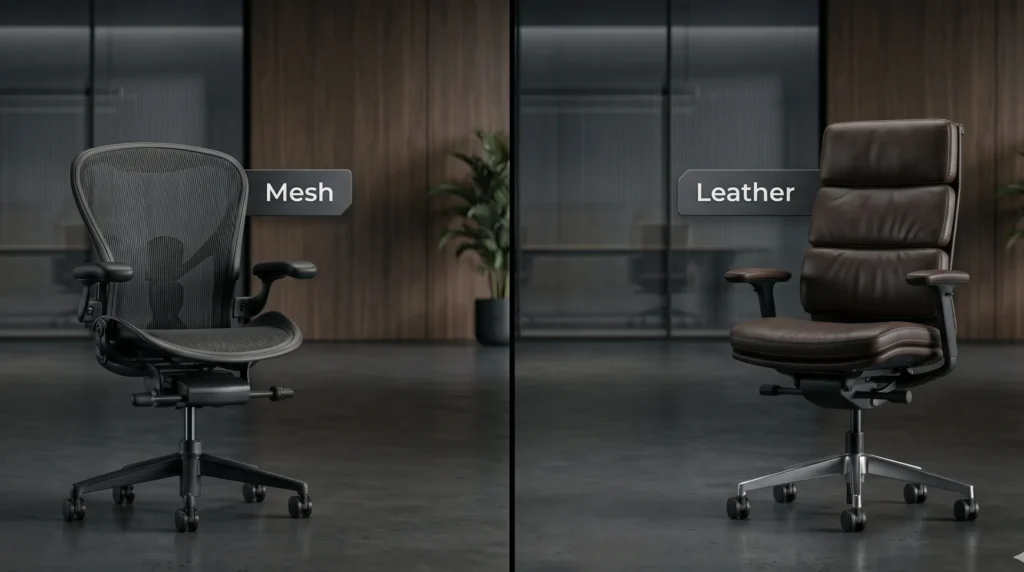
Mesh
Best for:
- Long hours (6–10 daily)
- Warmer climates
- Breathability
- Low maintenance
Pros:
- Airflow
- Consistent tension
- Modern aesthetic
Cons:
- Firmer feel
- Cheap mesh can sag
Example (Full Mesh Design):
Leather
Best for:
- Executive appearance
- Cooler climates
- Softer initial feel
Pros:
- Professional look
- Warmer surface
- Durable (if genuine leather)
Cons:
- Heat retention
- Cushion compression over time
- Requires maintenance
Example (Ergonomic Leather Option):
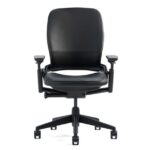
🔹 Steelcase Leap (Leather Option)
Fabric / Hybrid
Best for:
- Balanced cushioning
- Mid-range budgets
- Neutral aesthetics
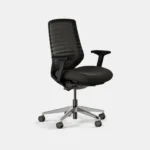
Often combines mesh back + padded seat.
Example:
Step 3: Match the Chair to Your Work Hours
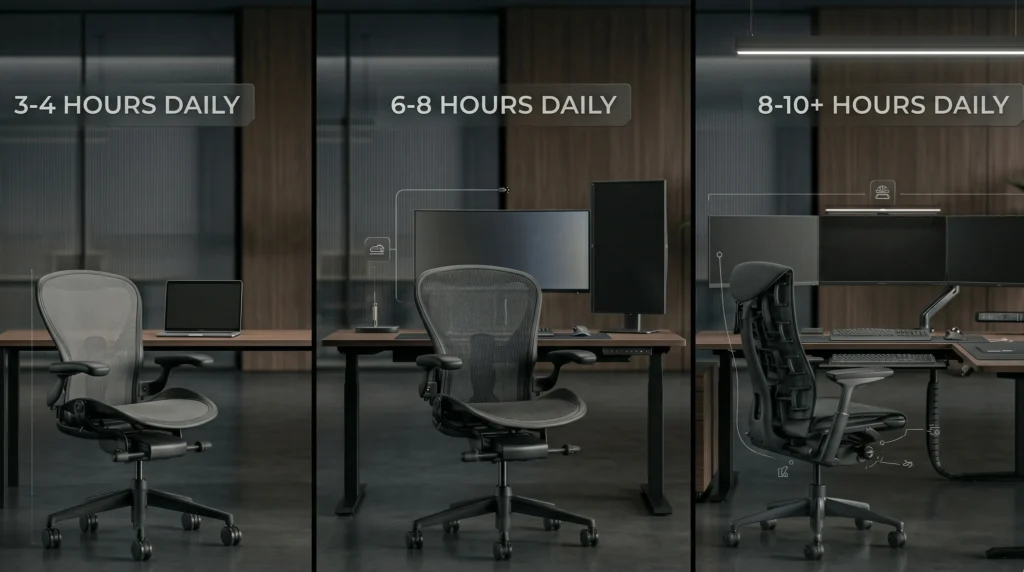
Be honest about how long you sit.
3–4 Hours Daily
You may not need ultra-premium adjustability.
Look for:
- Adjustable height
- Basic lumbar support
- Comfortable cushion
6–8 Hours Daily
You need:
- Seat depth adjustment
- Quality lumbar system
- Recline tension control
- Strong warranty
Mid-to-premium category is ideal here.
8–10+ Hours Daily
You should strongly consider:
- High-adjustability models
- Proven ergonomic engineering
- Durable frame construction
- Long warranty coverage
Research indexed in PubMed shows prolonged poor posture increases musculoskeletal strain (source: https://pubmed.ncbi.nlm.nih.gov/).
Long sessions expose weak chairs quickly.
Step 4: Seat Depth Matters More Than Most Buyers Realize
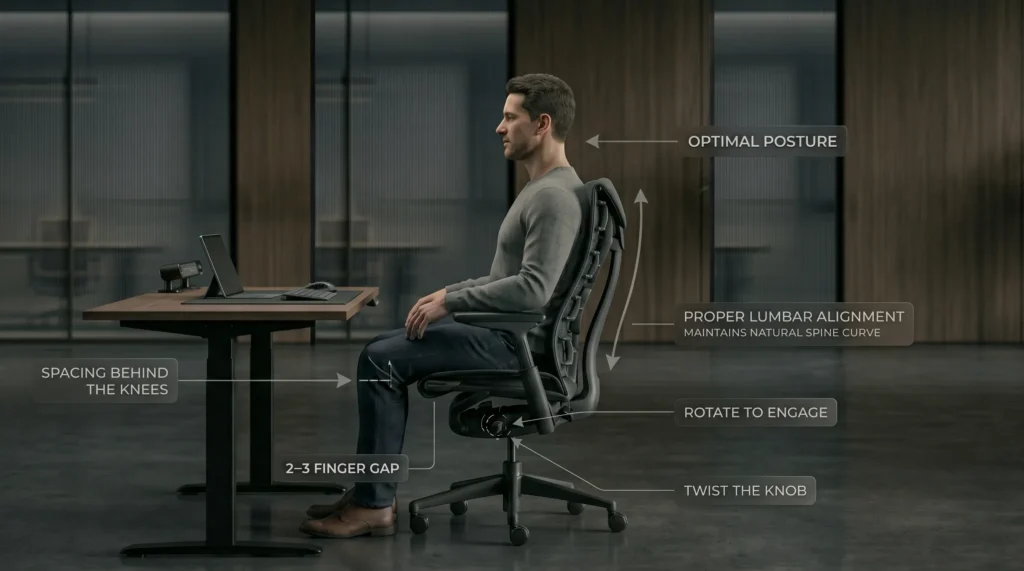
When seated fully back:
You should have 2–3 finger widths between the back of your knees and the seat edge.
Too deep → You slouch.
Too shallow → You lose thigh support.
Seat depth adjustment is often missing in budget chairs but makes a huge difference.
Step 5: Lumbar Support — Fixed vs Adjustable
Your spine has a natural inward curve.
Without support, it flattens during prolonged sitting.
The CDC highlights that prolonged static posture contributes to fatigue and discomfort (source: https://www.cdc.gov/physicalactivity/basics/index.htm).
Look for:
- Height-adjustable lumbar
- Depth-adjustable lumbar (ideal)
Avoid chairs with a fixed plastic bump and no adjustment.
Step 6: Recline and Movement
Static sitting increases fatigue.
A good chair allows:
- Smooth recline
- Adjustable tension
- Lockable positions
Movement distributes load across spinal discs and muscles.
If a chair feels rigid and upright-only, skip it.
Step 7: Consider Your Climate
Warm environment?
Mesh likely performs better.
Cool office?
Leather or padded seats may feel more comfortable.
Climate often influences comfort more than people expect.
Step 8: Understand Price Tiers (2026 Reality)
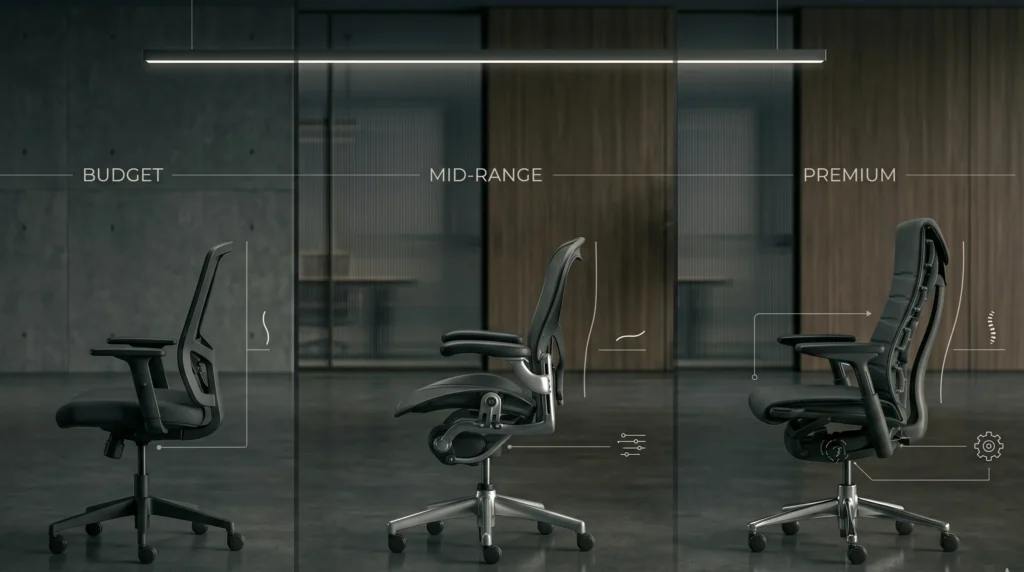
Budget ($150–$400)
- Basic adjustments
- Limited lumbar tuning
- Shorter warranties
- Good for part-time use
Mid-Range ($400–$800)
- Seat depth adjustment
- Better lumbar systems
- Stronger materials
- Good for 6–8 hour days
Premium ($900–$1,800+)
- Advanced lumbar tuning
- High-end recline systems
- Durable frames
- Designed for 8+ hours daily
Higher price does not automatically mean better but high-adjustability systems usually cost more.
Common Buying Mistakes
❌ Choosing based on softness alone
❌ Ignoring seat depth
❌ Overvaluing headrests
❌ Buying for looks over structure
❌ Skipping warranty details
Ergonomics is cumulative.
What feels good for 10 minutes may not feel good at hour six.
The 5-Minute Showroom Test
If testing in person, ask:
☐ Does lumbar hit the curve of my lower back?
☐ Can I adjust seat depth?
☐ Do my shoulders feel relaxed?
☐ Can I recline smoothly?
☐ Are my feet flat on the floor?
If multiple answers are no, keep looking.
Recommended Structural Benchmarks (By Category)
Premium Mesh:
Premium Adaptive:
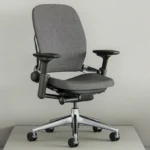
Mid-Range Balanced:
These illustrate strong ergonomic frameworks — not universal fits.
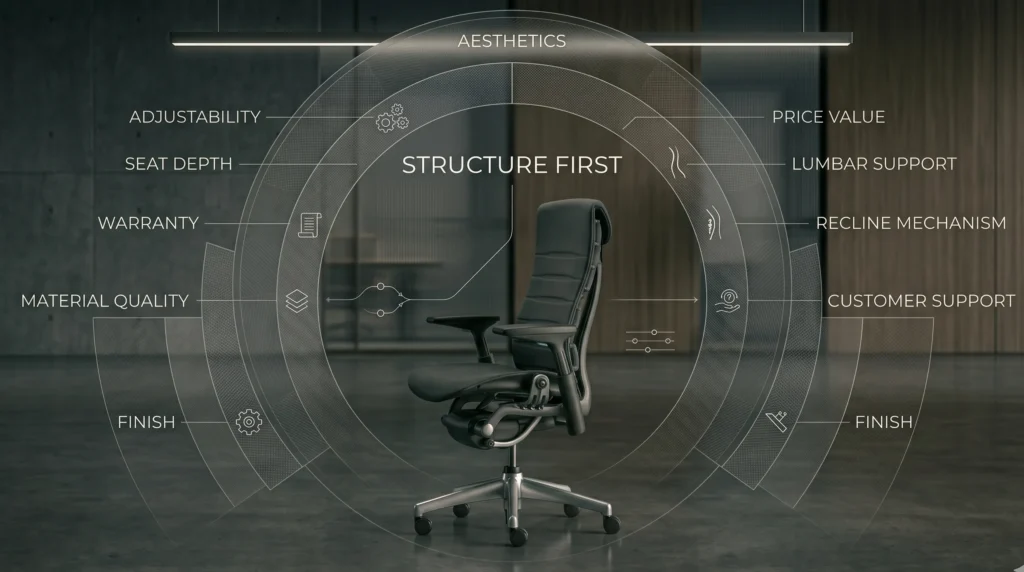
Final Buying Framework
Before choosing a chair, prioritize in this order:
- Adjustability
- Lumbar quality
- Seat depth
- Recline mechanism
- Warranty
- Material preference
- Aesthetics
Structure first.
Material second.
Brand third.
FAQ
What should I look for in an office chair in 2026?
Adjustable lumbar support, seat depth control, recline tension, and proper height adjustment are essential features.
Is mesh or leather better for office chairs?
Mesh offers better airflow, while leather offers a softer feel and executive appearance. Ergonomic structure matters more than material.
How much should I spend on an office chair?
For daily 6–8 hour use, mid-range to premium chairs typically offer better durability and adjustability.Can an office chair prevent back pain?
A properly designed chair can reduce strain and support posture, but persistent pain should be evaluated by a healthcare professional.