


Lower back pain has a way of sneaking up on you.
It starts as stiffness.
Then you shift in your seat more often.
By late afternoon, you’re aware of your spine in a way that’s… not pleasant.
If you sit for 6–10 hours a day, your chair matters more than you think.
But here’s something important:
No chair “cures” back pain.
A well-designed ergonomic chair can reduce strain, improve posture endurance, and make long hours more sustainable but it’s part of a system, not a magic fix.
Let’s break down what actually helps.
Why Sitting Causes Lower Back Strain
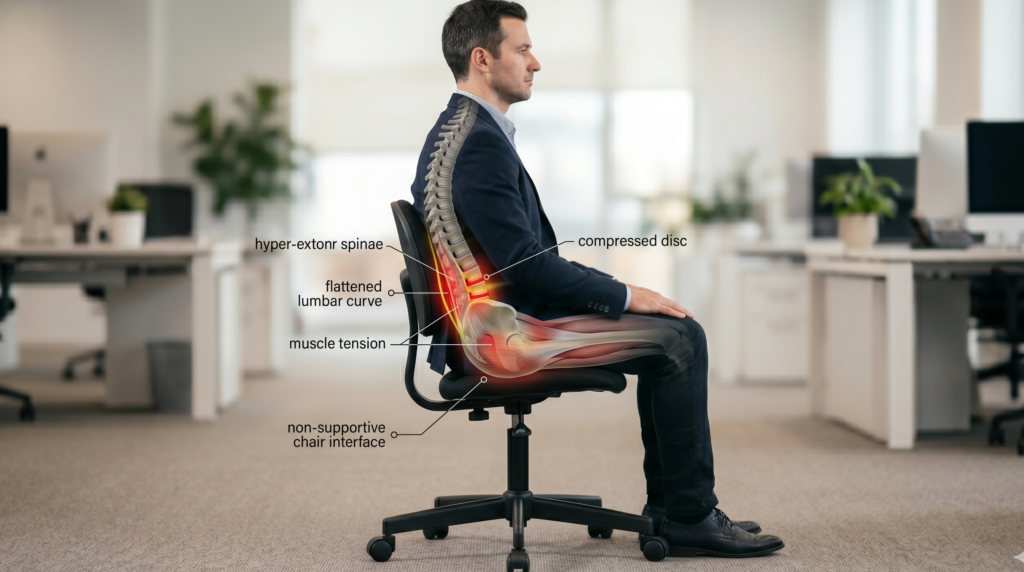
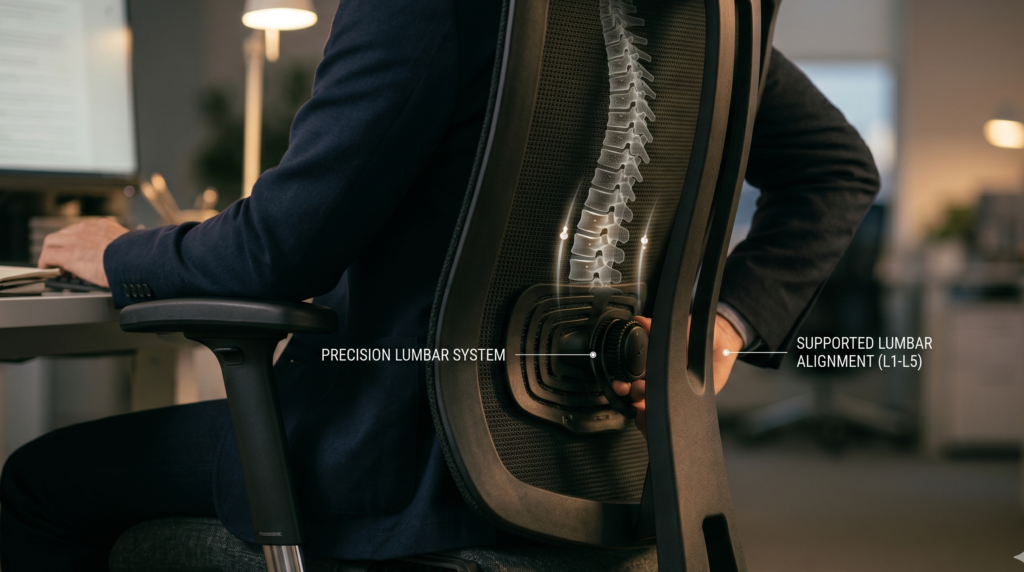
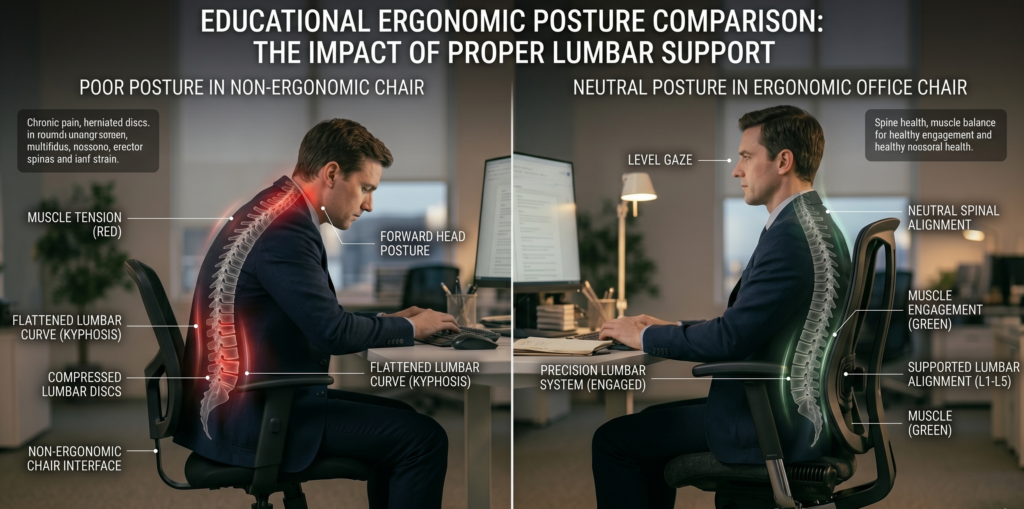
When you sit, pressure on the lumbar spine increases compared to standing.
If your chair lacks support:
- The pelvis tilts backward
- The lower spine flattens
- Muscles overwork to compensate
The National Institute for Occupational Safety and Health (NIOSH) notes that poorly designed seating and prolonged sitting contribute to musculoskeletal strain.
The goal isn’t rigid posture.
It’s supported neutrality.
What Actually Helps Lower Back Pain in a Chair
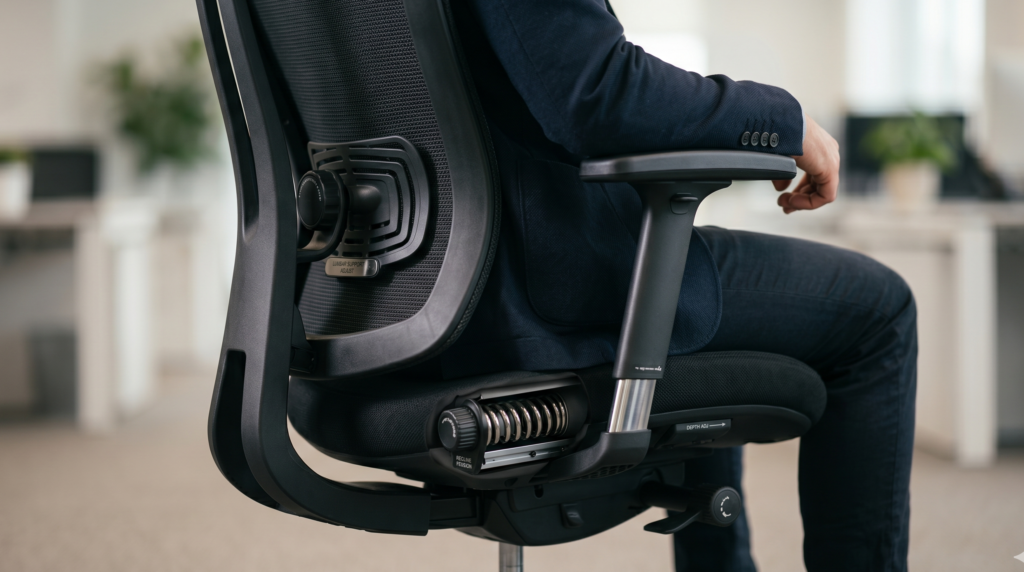
Before we look at products, here’s what matters most:
1️⃣ Adjustable Lumbar Support
Not just a fixed bump adjustable height and ideally depth.
2️⃣ Seat Depth Adjustment
Prevents slouching or thigh compression.
3️⃣ Recline with Tension Control
Micro-movement reduces spinal load.
The CDC emphasizes breaking up prolonged sitting and reducing static posture strain.
A good chair supports movement.
Best Office Chairs for Lower Back Pain
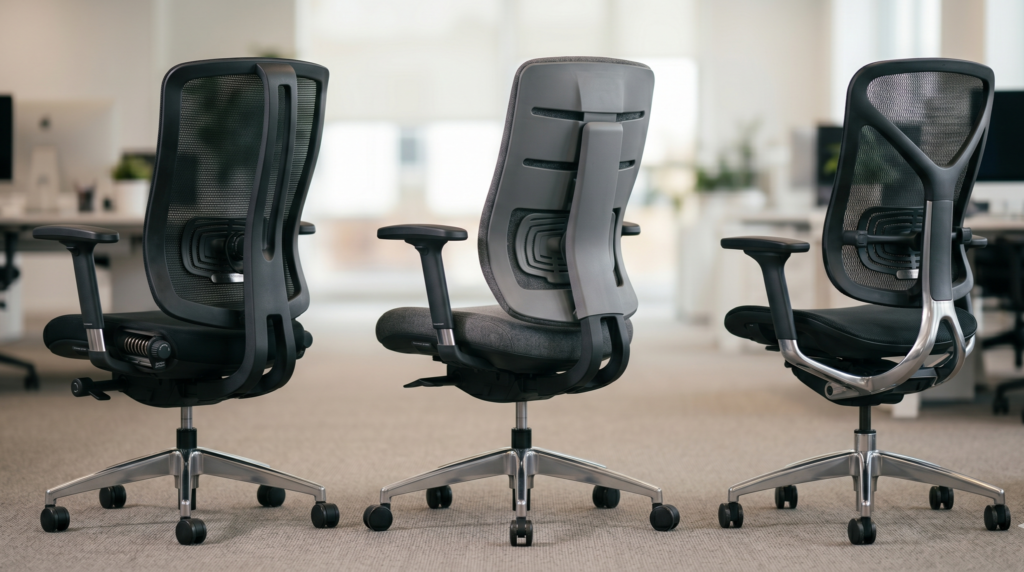
Below are structurally strong ergonomic chairs known for lumbar performance and long-hour comfort.
🥇 1. Herman Miller Aeron
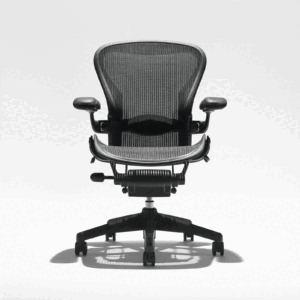
Best for: Long daily use + breathable support
Why it stands out:
- PostureFit SL lumbar system
- Multiple size options (A, B, C)
- Full mesh support (seat + back)
- Strong recline control
Mesh tension distributes pressure evenly, reducing foam compression issues over time.
Research indexed in PubMed consistently shows proper lumbar alignment reduces lower back strain during prolonged sitting.
This chair is built around that concept.
Downside: Premium pricing.
🥈 2. Steelcase Leap
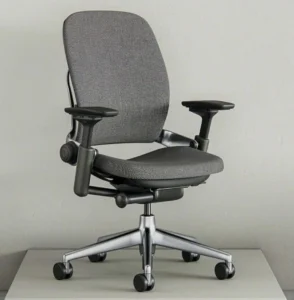
Best for: Custom lumbar adjustment
Why it performs well:
- Adjustable lumbar height and depth
- Seat depth adjustment
- Flexible backrest that adapts to movement
- Excellent armrest adjustability
The Leap is often recommended for people who need fine-tuned lumbar positioning.
For 8-hour workdays, that adjustability becomes noticeable.
🥉 3. Haworth Zody
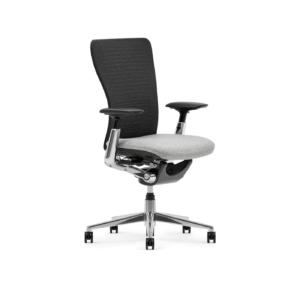
Best for: Balanced lumbar + sustainability focus
- Asymmetrical lumbar adjustment
- Mesh back support
- Smooth recline
Strong mid-to-premium option for structured support without extreme pricing.
🏅 4. Branch Ergonomic Chair
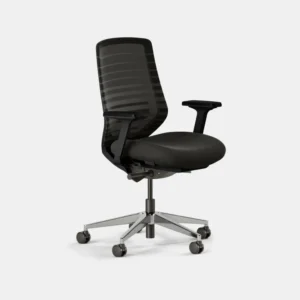
Best for: Budget-conscious remote workers
- Adjustable lumbar
- Seat depth control
- Breathable backrest
- Accessible price point
For 6–8 hour days, it performs surprisingly well relative to cost.
Mesh vs Cushion for Lower Back Pain
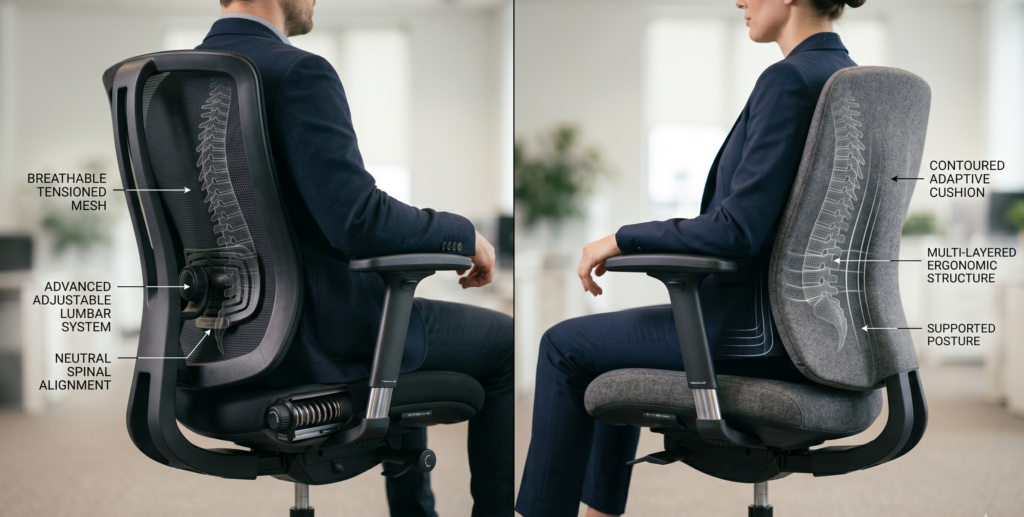
This question comes up often.
Mesh:
- Consistent tension support
- Better airflow
- No foam compression
Cushion:
- Softer initial feel
- May compress over time
Material does not determine back support.
Lumbar engineering does.
OSHA emphasizes that neutral spine alignment matters more than surface material.
The 8-Hour Simulation
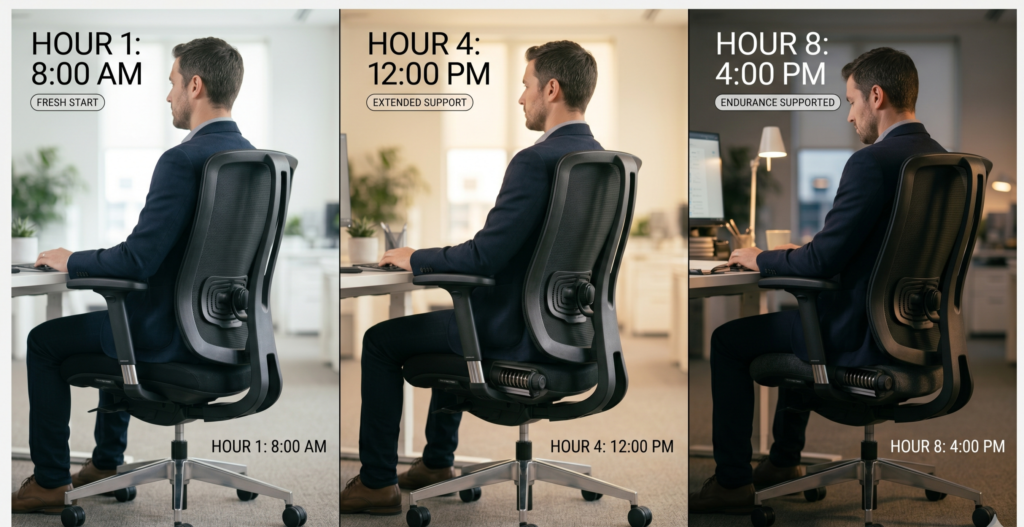
Hour 1 → Most decent chairs feel fine.
Hour 3 → Lumbar position starts to matter.
Hour 5 → Seat depth and recline support become noticeable.
Hour 7 → Poor lumbar systems reveal themselves.
This is why showroom testing isn’t enough.
Long sessions expose weak structure.
Who Should Prioritize Premium Lumbar Support?
You should strongly consider high-adjustability chairs if:
☐ You sit 7+ hours daily
☐ You’ve experienced recurring lower back stiffness
☐ You tend to slouch
☐ You feel relief when standing
☐ Your current chair lacks lumbar adjustment
Better support reduces muscular compensation.
Important: When to Seek Medical Advice
If you experience:
- Persistent numbness
- Radiating leg pain
- Severe or worsening symptoms
Consult a healthcare professional.
Chairs can reduce strain but they don’t treat underlying medical conditions.
The CDC outlines that persistent musculoskeletal pain should be evaluated appropriately.
Quick Buyer Checklist
Before purchasing, confirm:
☐ Adjustable lumbar support
☐ Seat depth adjustment
☐ Recline tension control
☐ Proper height range
☐ Solid warranty
☐ Durable frame
If lumbar is fixed and unadjustable, move on.
Final Verdict
The best office chair for lower back pain isn’t the softest.
It’s the one that:
- Maintains lumbar curve
- Allows movement
- Supports long sessions without collapse
Premium models like the Aeron and Leap excel because they combine adjustability with structural integrity.
Mid-range models can work well provided lumbar and seat depth are adjustable.
Your back doesn’t need luxury.
It needs alignment.
FAQ
What type of office chair is best for lower back pain?
Chairs with adjustable lumbar support, seat depth control, and recline tension adjustment are best for reducing lower back strain.
Is mesh or leather better for back pain?
Material matters less than lumbar support and adjustability. Both can work if properly engineered.
Are expensive office chairs worth it for back pain?
Premium chairs often offer better adjustability and durability, which can improve long-term comfort during extended sitting.Can an office chair fix lower back pain?
A chair can reduce strain and support posture, but persistent or severe pain should be evaluated by a medical professional.