


When you work remotely, your desk isn’t just furniture. You may need the best standing desks for home offices.
It’s your command center.
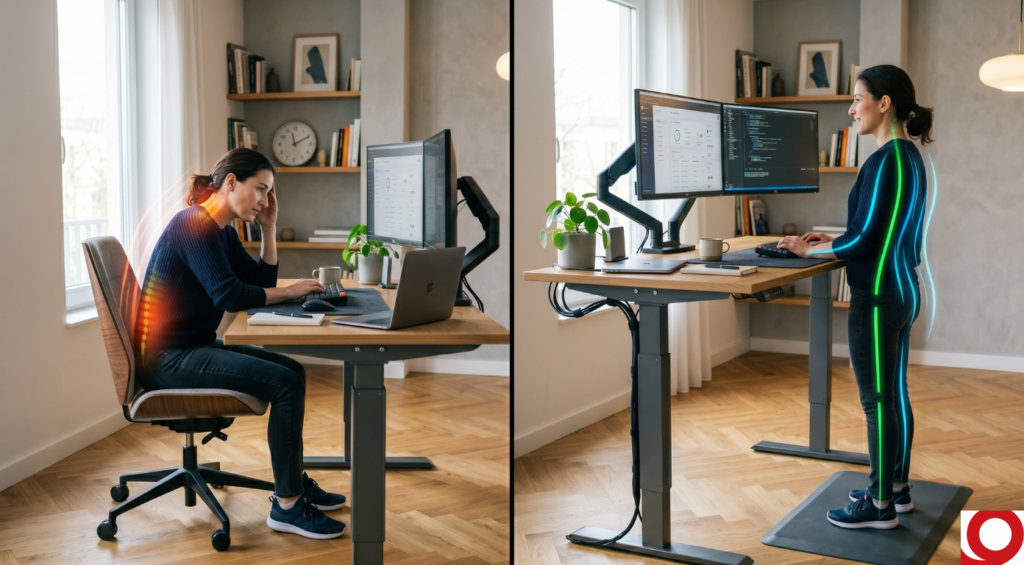
And if you’ve ever stood up after three straight Zoom calls and felt that stiff lower back or tight hip flexors… you already know sitting all day isn’t ideal.
The solution isn’t standing all day either.
It’s alternating.
That’s where a quality standing desk changes everything.
This guide breaks down the best standing desks specifically for remote workers, not corporate offices and helps you choose based on real home office constraints.
Why Remote Workers Benefit from Standing Desks
Remote work removes natural movement:
- No walking to meetings
- No commuting
- Fewer environmental interruptions
Standing desks don’t replace chairs.
They reduce static sitting time.
That distinction matters.
What Actually Matters in a Home Office Standing Desk
Before product recommendations, here’s what remote workers should prioritize:
1️⃣ Stability at Standing Height
If the desk wobbles while typing, you won’t use it consistently.
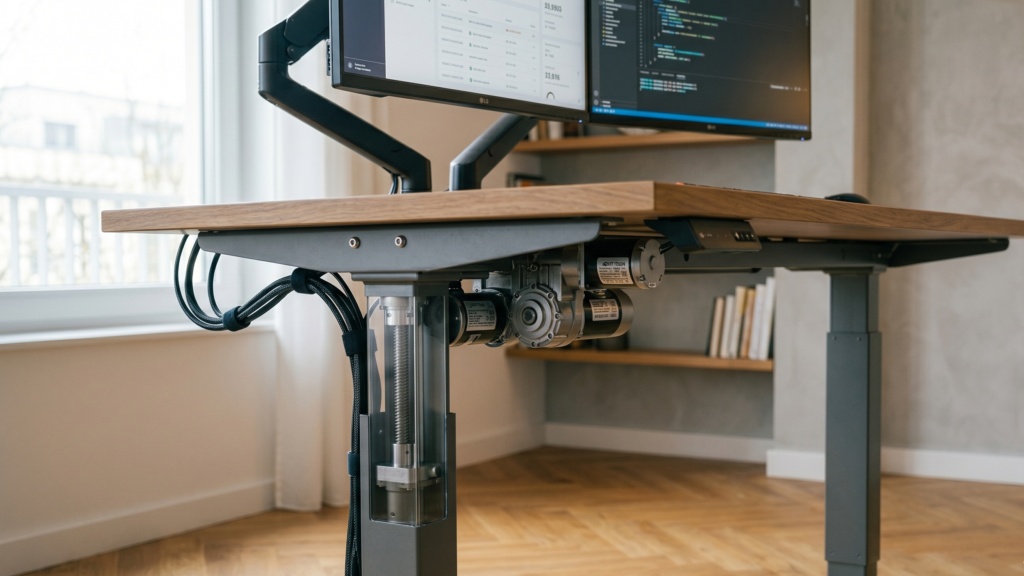
2️⃣ Smooth Motor & Memory Presets
You’ll transition multiple times daily.
Preset buttons make that effortless.
3️⃣ Height Range
Especially important for:
- Taller users (6’2"+)
- Shorter users (5’4" and under)
The UK Health and Safety Executive emphasizes proper workstation height to reduce strain.
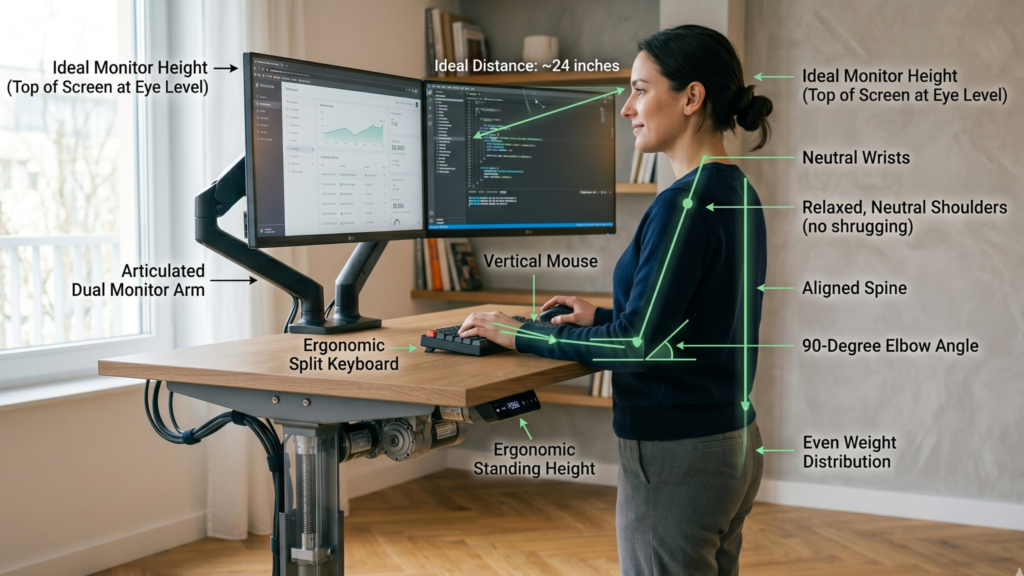
Your elbows should stay near 90 degrees whether sitting or standing.
4️⃣ Depth for Monitor Distance
The Canadian Centre for Occupational Health and Safety recommends keeping monitors about 20–30 inches from your eyes.
Shallow desks often force screens too close.
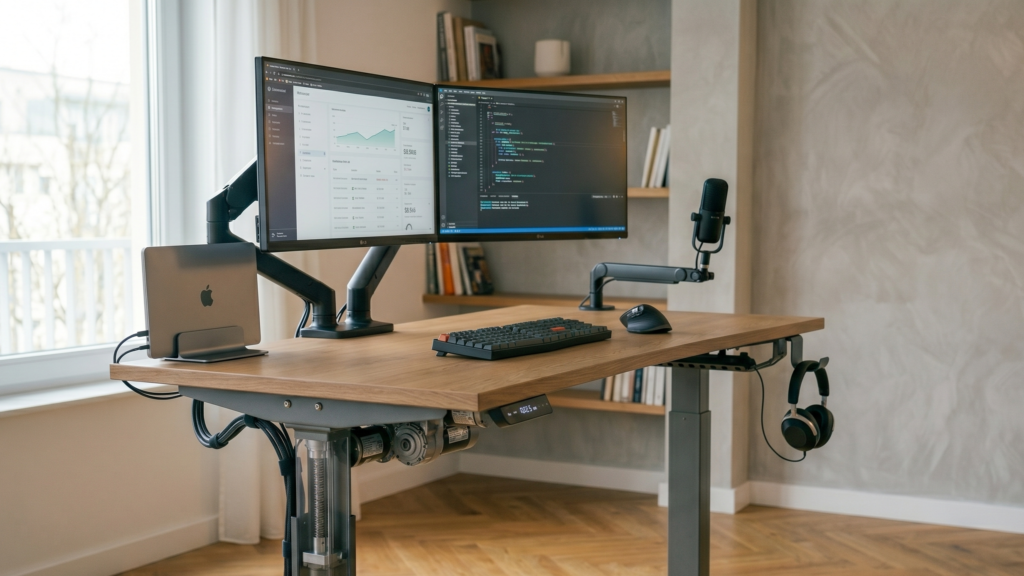
5️⃣ Cable Management
Remote workers typically run:
- Laptop
- Monitor
- Webcam
- Charging cables
- Microphone
Messy wiring discourages height changes.
Best Standing Desks for Remote Workers
1️⃣ Uplift V3 Standing Desk (Best Overall Balance)
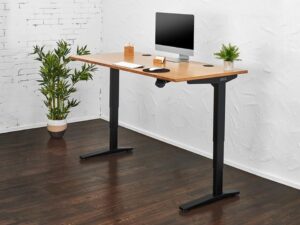
Why it works for remote workers:
- Strong dual-motor lift
- Wide height range
- Stable at standing height
- Multiple desktop sizes
- Good cable tray options
Best for:
Full-time remote professionals working 6–10 hours daily.
From experience, the stability at standing height is what makes it usable long-term.
2️⃣ Fully Jarvis Standing Desk (Clean Design + Reliable)
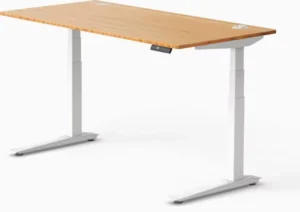
Why it works:
- Smooth height transition
- Clean home aesthetic
- Good size options
- Solid mid-range pricing
Best for:
Remote workers who want balance between performance and visual appeal.
3️⃣ FlexiSpot E7 Pro Plus (Value Performance)
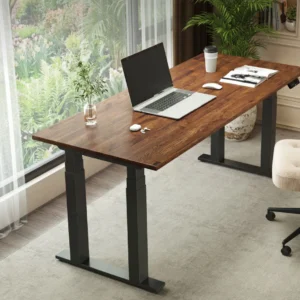
Why it works:
- Strong lifting capacity
- Competitive pricing
- Wide frame support
- Good for heavier monitor setups
Best for:
Budget-conscious remote workers who still want dual-motor performance.
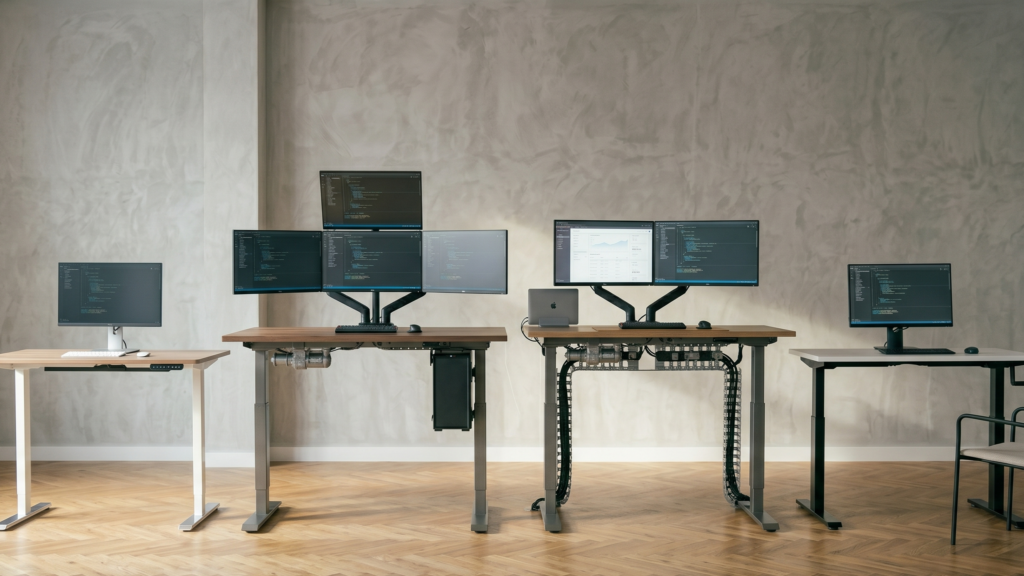
4️⃣ Secretlab Magnus Pro (Cable Management Winner)
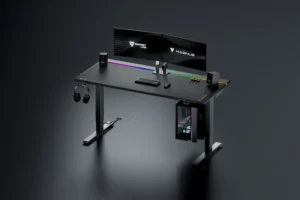
Why it works:
- Integrated cable management system
- Extremely clean setup
- Stable steel frame
- Modern aesthetic
Best for:
Tech-heavy remote setups with multiple devices.
If clutter stresses you out, this desk solves that elegantly.
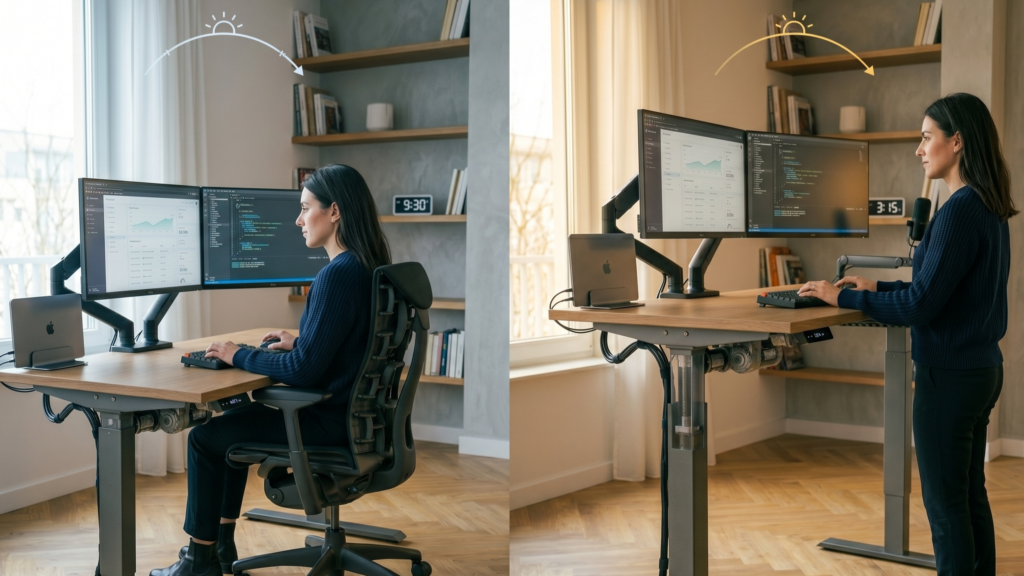
Sitting vs Standing: The Smart Remote Workflow
The NIH highlights that alternating posture reduces musculoskeletal fatigue compared to prolonged static positioning.
Ideal remote rhythm:
- Sit for 60–90 minutes
- Stand for 15–30 minutes
- Repeat
You don’t need to stand half the day.
You need variation.
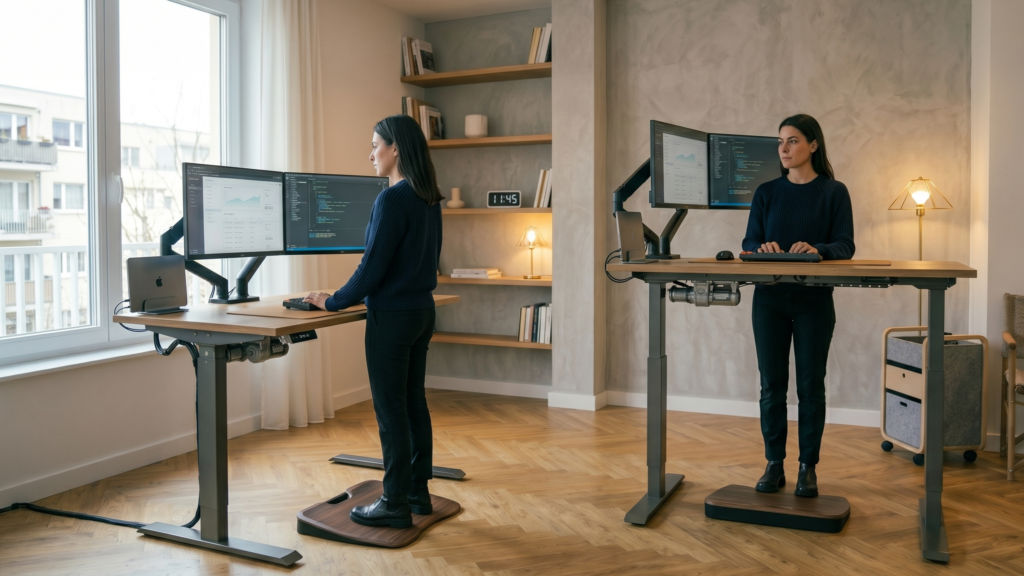
Small Apartment Considerations
Remote workers in apartments should prioritize:
- 48–55 inch width desks
- Minimalist cable systems
- Light wood or neutral finishes
- Depth of at least 24 inches
Avoid oversized corporate-style desks if space is tight.
Your setup should fit your room not dominate it.
Common Mistakes Remote Workers Make
❌ Standing too long too soon
❌ Not adjusting monitor height when standing
❌ Buying unstable single-motor desks
❌ Ignoring anti-fatigue flooring
❌ Placing desk near wall with no elbow clearance
The desk only works if it integrates smoothly into your workflow.
Quick Standing Desk Self-Check
When standing:
- Are elbows near 90 degrees?
- Are wrists neutral?
- Is monitor top at eye level?
- Are shoulders relaxed?
If your shoulders elevate, your desk may be too high.
Is a Standing Desk Necessary?
No.
But if you:
- Sit 8+ hours daily
- Feel lower back fatigue by afternoon
- Want structured movement reminders
It becomes extremely helpful.
Harvard Health reinforces that posture variation, not perfection; supports long-term comfort.
Final Recommendation Framework
Choose based on your situation:
Full-Time Remote Professional
→ Uplift V3
Design-Focused Home Office
→ Fully Jarvis
Value + Performance Combo
→ FlexiSpot E7 Pro Plus
Cable-Heavy Tech Setup
→ Secretlab Magnus Pro
The best desk is the one you’ll actually use consistently.
FAQ
Are standing desks good for remote workers?
Yes, alternating between sitting and standing reduces prolonged static posture and may improve comfort during long workdays.
How long should I stand at my desk?
15–30 minutes every 60–90 minutes of sitting is a sustainable rhythm.
Do I need an anti-fatigue mat?
If you stand more than 30 minutes at a time, a supportive mat improves comfort.
What height should a standing desk be?
Your elbows should remain near 90 degrees with shoulders relaxed and wrists neutral.