


If you work remotely, you’ve probably felt it.
That mid-afternoon stiffness.
The subtle lower-back fatigue.
The “I should probably stand up” moment.
At some point, you start looking at two options:
- A full standing desk
- A desk converter that sits on top of your current desk
They sound similar.
They are not.
This standing desk vs desk converter breakdown is designed specifically for remote workers, people working 6–10 hours daily in real home environments, not corporate showrooms.
Why Remote Workers Consider Standing Options
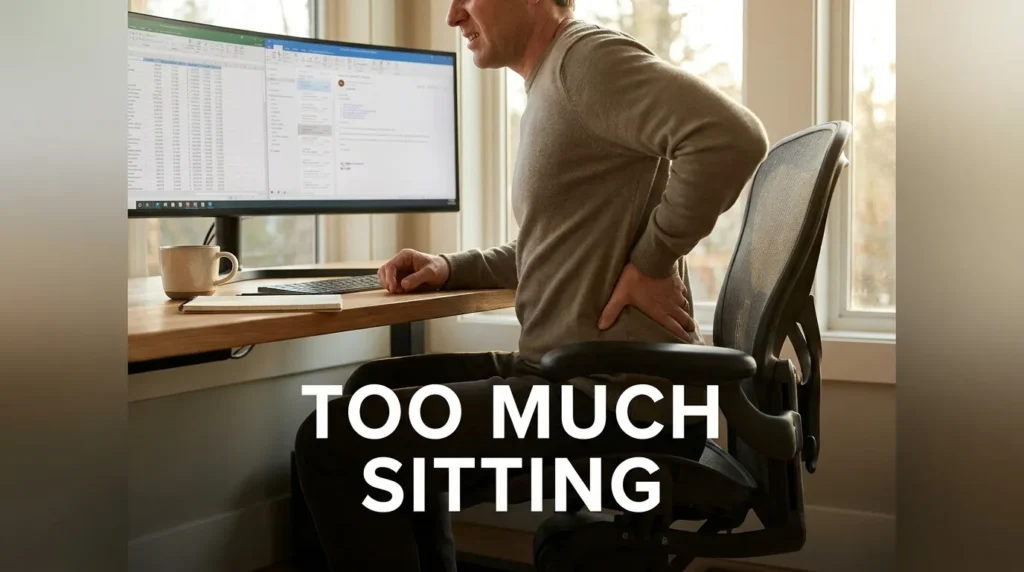
Remote work often removes natural movement:
- No walking to meetings
- No commute
- Fewer environmental interruptions
The CDC explains that prolonged static posture contributes to musculoskeletal strain over time.
Standing isn’t the solution.
Alternating is.
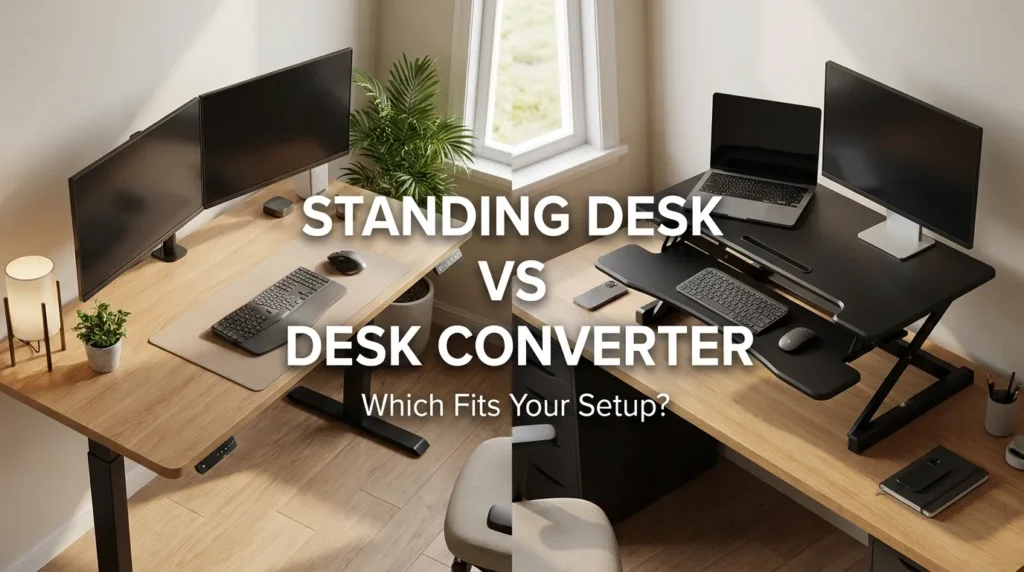
Both standing desks and converters allow posture variation but they do it differently.
What Is a Standing Desk?
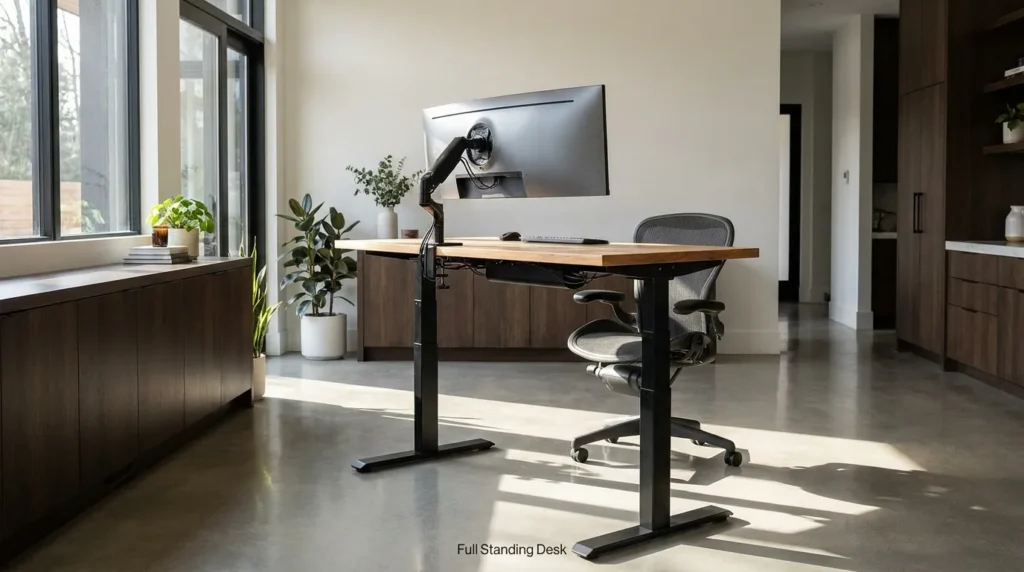
A standing desk (also called a height-adjustable desk) replaces your current desk entirely.
It moves up and down as a single unit.
Benefits:
- Entire workspace rises together
- Clean, integrated setup
- More stability at standing height
- Better long-term durability
Example: Full Standing Desk
UPLIFT V3 Standing Desk
Why remote workers choose it:
- Dual motor stability
- Memory presets
- Wide height range
- Multiple desktop sizes
Best for:
Full-time remote professionals who want long-term sustainability.
What Is a Desk Converter?
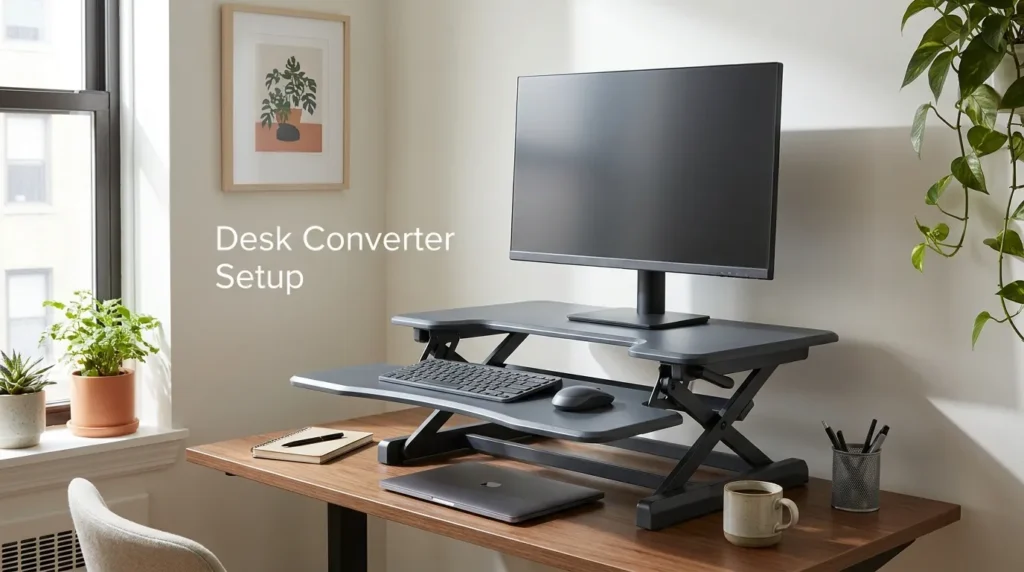
A desk converter sits on top of your existing desk and lifts only your keyboard and monitor area.
You keep your current desk underneath.
Benefits:
- Lower upfront cost
- No full desk replacement
- Easier apartment solution
- Portable (in some cases)
Example: Desk Converter
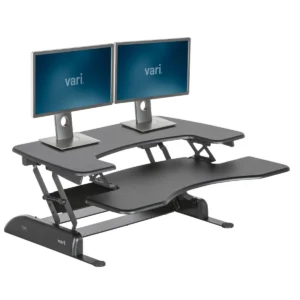
VariDesk Pro Plus 36
Why remote workers choose it:
- Quick setup
- No installation
- Compact footprint
Best for:
Renters, small spaces, or people testing standing for the first time.
Stability Comparison
Stability matters more than marketing suggests.
The UK Health and Safety Executive (HSE) emphasizes workstation stability and correct height alignment to reduce strain.
Standing Desk
- Entire frame lifts
- Usually more stable
- Handles heavier monitor setups
Desk Converter
- Lifts smaller platform
- May wobble at full height
- Depends heavily on model quality
If you use dual monitors or heavier equipment, a full desk often performs better long term.
Ergonomic Alignment Differences
The Canadian Centre for Occupational Health and Safety recommends that monitors be positioned about 20–30 inches from your eyes and at or slightly below eye level.
Here’s where converters can struggle:
Because they sit on top of your existing desk, they reduce usable depth.
If your original desk is shallow, your monitor may end up too close.
A full standing desk allows more flexibility in monitor arm placement.
Cost Breakdown (Realistic View)
| Feature | Standing Desk | Desk Converter |
| Upfront cost | Higher | Lower |
| Installation | Assembly required | Minimal |
| Stability | High (good models) | Moderate |
| Aesthetic | Clean & integrated | Layered look |
| Long-term use | Excellent | Good (if quality model) |
Converters are budget-friendly.
Standing desks are infrastructure upgrades.
Long-Term Remote Work Perspective
The NIH explains that alternating posture reduces static musculoskeletal load compared to prolonged sitting.
If you work remotely:
- 2 days per week → Converter likely sufficient
- 5 days per week, 8+ hours → Full standing desk often worth it
It comes down to usage frequency.
Space Considerations (Important for Remote Workers)
Small Apartment?
Converters are easier to integrate.
No large furniture replacement.
No delivery logistics.
Dedicated Home Office?
A full standing desk feels cleaner and more permanent.
If you’ve already invested in a high-quality ergonomic chair, a standing desk complements it naturally.
Movement Strategy Matters More Than Device Type
Harvard Health emphasizes posture variation rather than static perfection (source: https://www.health.harvard.edu/pain/how-to-relieve-back-pain-with-better-posture).
Whether you choose:
- Desk
- Converter
The real key is:
- Sit 60–90 minutes
- Stand 15–30 minutes
- Repeat
Standing all day can create fatigue just like sitting all day.
Balance wins.
Common Remote Worker Mistakes
❌ Standing too long immediately
❌ Not adjusting monitor height when standing
❌ Buying unstable budget converters
❌ Forgetting anti-fatigue flooring
❌ Keeping keyboard too high
Your elbows should remain near 90 degrees while standing, just like sitting.
The 4 PM Test
By late afternoon:
- Does your lower back feel compressed?
- Do you feel better after standing briefly?
- Do your shoulders relax when posture changes?
If posture variation clearly helps, investing in adjustable equipment makes sense.
Final Recommendation Framework
Choose a Standing Desk if:
- You work remotely full-time
- You use multiple monitors
- You want long-term stability
- You’re building a permanent setup
Choose a Desk Converter if:
- You’re renting
- You have limited space
- You want lower upfront cost
- You’re testing sit-stand workflow
Both work.
The right one depends on commitment level and space constraints.
FAQ
Is a standing desk better than a desk converter?
A full standing desk offers greater stability and workspace integration, while converters are more affordable and easier to install.
Are desk converters ergonomic?
They can be, if monitor height and keyboard positioning are properly adjusted.
How long should remote workers stand?
15–30 minutes after 60–90 minutes of sitting is a sustainable rhythm.Do standing desks prevent back pain?
They support posture variation, which may reduce prolonged static strain when used correctly.